


Introduction
Architecture is most useful when connected to the tools your team already uses. Static diagrams are old snapshots of the architecture that go stale. Views that don’t reflect reality prevent security teams, engineers, or AI agents reason about the system. IcePanel solves these problems with integrations in everyday tools.
In this post, we’ll share the top four integrations you should use with IcePanel: iFrame embeds, Seezo, IcePanel MCP, and model imports.
1) iFrame embeds: Confluence, Notion, SharePoint
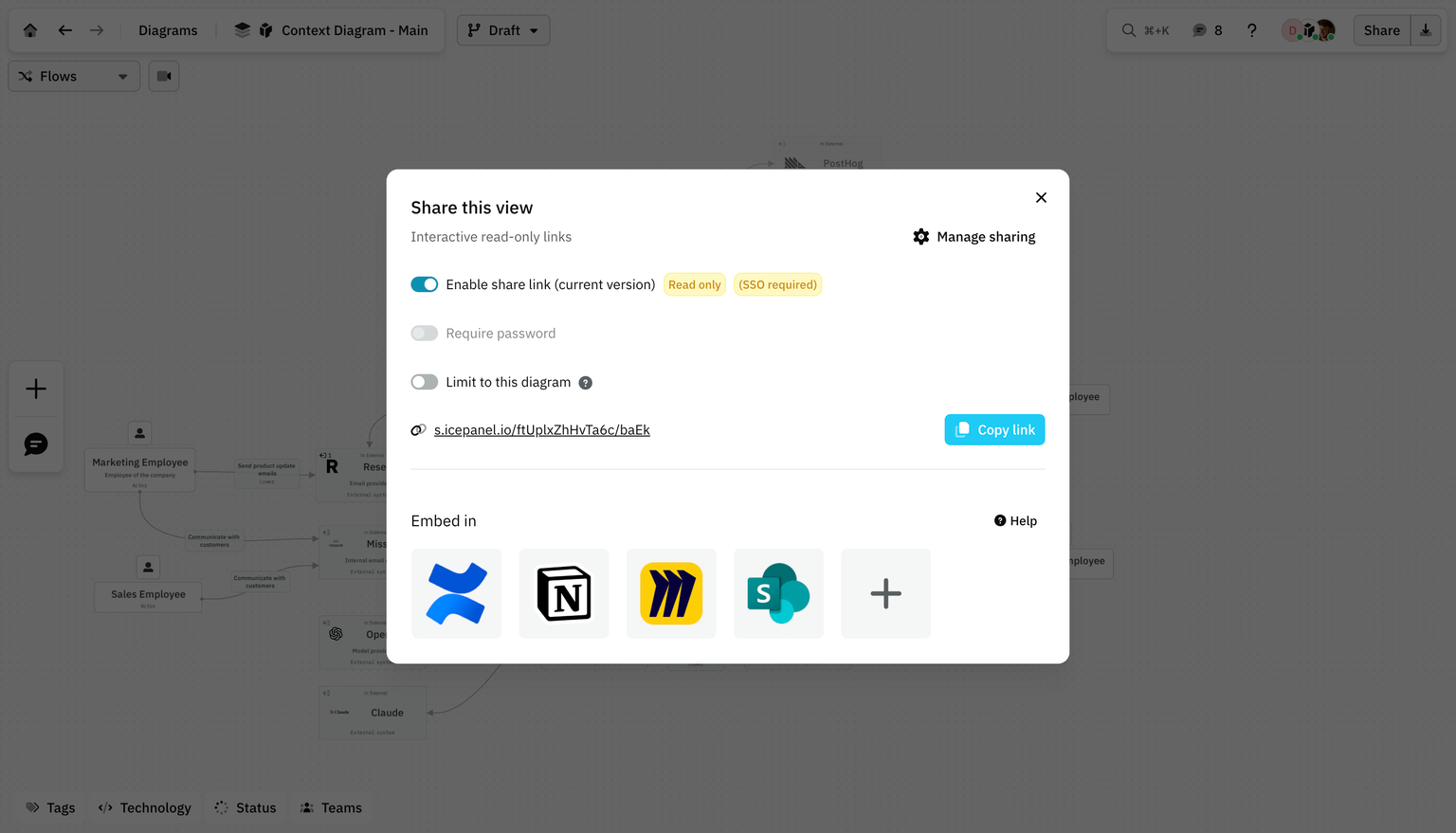
Dev teams often work in sprints and document their work using a workspace like Confluence, Notion, or SharePoint. Architecture context should exist where you work. ,a live model that can be embedded and referenced in design documents and more.
IcePanel has a feature called share links, where architectural diagrams can be embedded as iFrames in tools like Confluence, Notion, and Microsoft SharePoint. This means teams can view and interact with live architecture diagrams directly inside their existing documentation without switching context.
Because the embed pulls from IcePanel’s model, it stays up to date. If someone updates the architecture, the embedded view automatically reflects it.
A few practical use cases:
- Embed your system context diagram in your team’s onboarding page in Confluence.
- Add a container diagram to a Notion project brief so product and design can see the technical scope.
- Include a flow diagram in a SharePoint architecture review document for leadership.
Share links can also be protected with passwords or SSO, so you control who sees what.
For more, check out https://docs.icepanel.io/collaboration/sharing
2) Seezo for security reviews
Security teams often start threat modelling with outdated diagrams. Seezo solves this by using an LLM-based approach to analyse systems from unstructured data like docs, JIRA tickets, and diagrams.
The IcePanel integration with Seezo takes this further. You can add IcePanel diagrams directly to a Seezo assessment. Because the model in IcePanel stays current, Seezo always pulls the latest architectural context.
To get started:
- Sign up for a Seezo account.
- In IcePanel, go to Settings > API keys and create a read-only API key (Paid plan needed).
- In Seezo, go to Config > IcePanel and paste the API token.
- Create an assessment and paste an IcePanel share link. Seezo will include child diagrams automatically.
This integration reflects one of our principles, audience first. Multiple teams can integrate the live architecture designed by architects and consume it through their own tooling.
For more on our principles, check out the IcePanel Loop: https://icepanel.io/the-icepanel-loop
3) IcePanel MCP
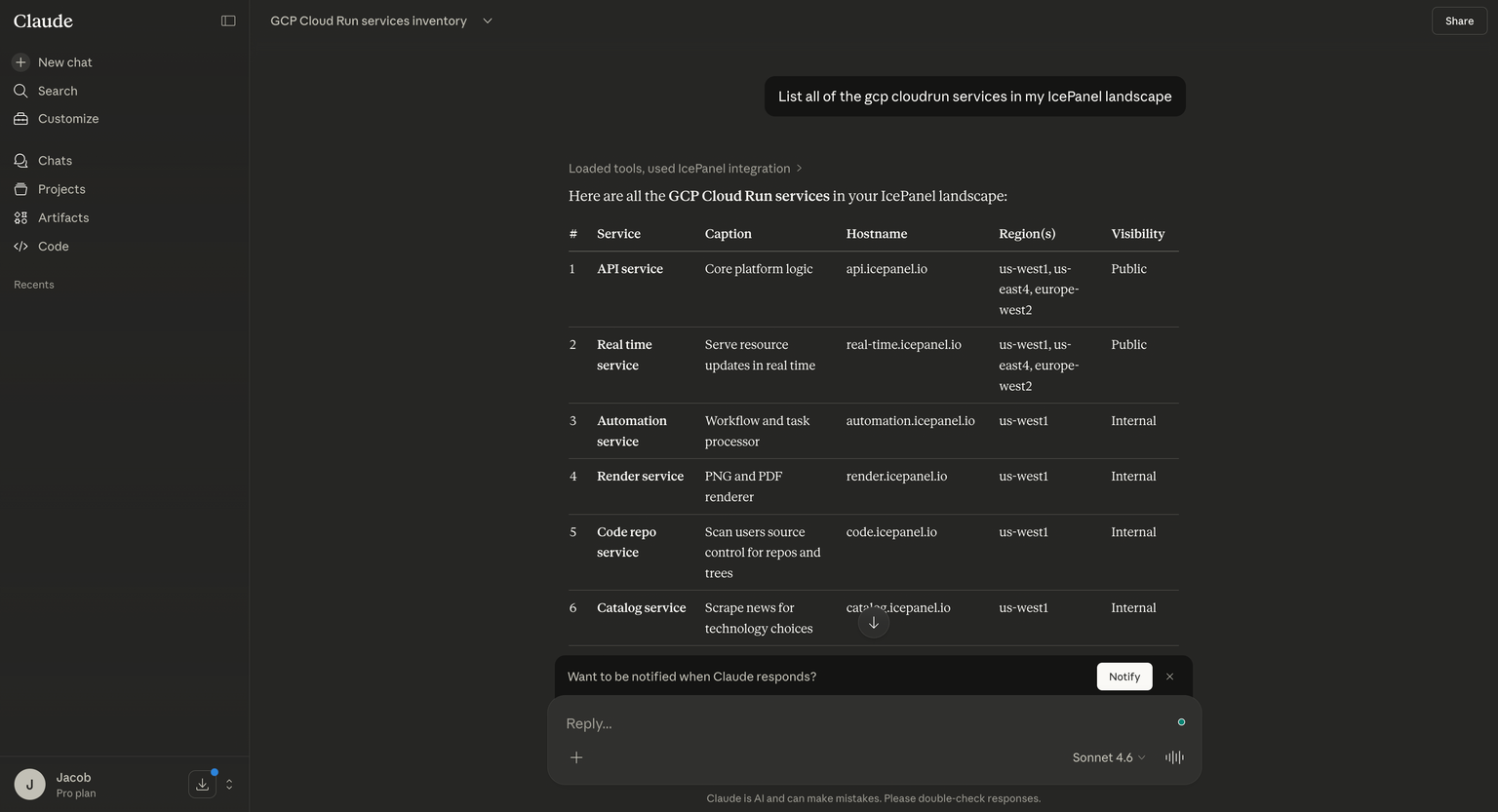
IcePanel provides an MCP server that lets you connect your architectural model to AI tools like Claude, ChatGPT, and Cursor.
The AI reads directly from your IcePanel model, so the answers reflect the current state of your architecture. This is especially useful for large landscapes where manually browsing diagrams to find a specific component or relationship is time-consuming.
The MCP server also supports write operations: creating or updating objects and connections in your model. This allows architects to modify their architecture through AI tools without manually configuring them in the UI. It also supports writing to ADRs. This is useful for AI agents that read decision documents as part of their context (similar to a CLAUDE.md) and then document their work through a standardised ADR.
For example, you can use read operations to ask: “List all Cloud Run services in my IcePanel landscape” or “What systems depend on the payments API?”
To get started, check out https://docs.icepanel.io/integrations/mcp-server
4) Model imports
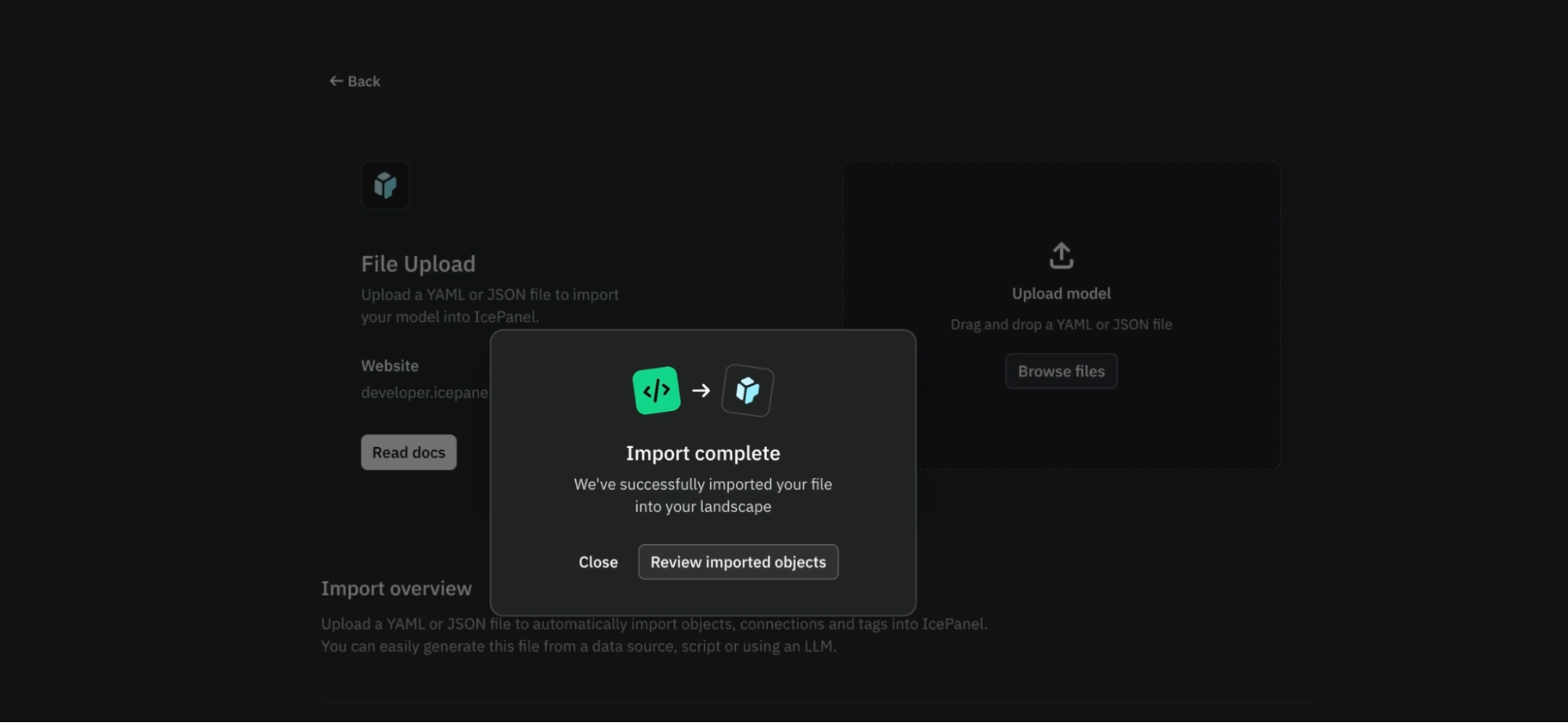
IcePanel supports importing model data via JSON or YAML files. This is useful for bootstrapping a landscape from existing infrastructure or importing data from different data sources. You can generate a model file from your codebase using an LLM and import it directly via IcePanel’s API or in the app.
This is useful for syncing architecture via CI/CD pipeline or maintaining diagrams in a git repository. The integrations above cover how your architecture reaches other tools like the IcePanel MCP server. The Model imports work the other direction.
To get started, check out https://developer.icepanel.io/developer-guide/how-to-guides/import-landscapes
Conclusion
We’ve covered the top integrations available with IcePanel. We believe in live architecture that should be integrated into the day-to-day tools teams use for doing their best work. Architecture should be a collaborative space serving different audiences and integrated with their tools.
To recap, check out:
- Share links & embeds for collaboration tools
- Seezo integration for security review
- IcePanel’s MCP for connecting AI tools to your architecture
- Model imports for importing data into IcePanel from many data sources
📚 Resources
- https://docs.icepanel.io/integrations/rest-api
- https://docs.icepanel.io/collaboration/sharing
- https://icepanel.io/blog/2025-12-02-seezo-integration-with-icepanel
- https://docs.icepanel.io/integrations/mcp-server
- https://docs.icepanel.io/core-features/model-imports
- https://developer.icepanel.io/developer-guide/how-to-guides/import-landscapes